
Best Adult IPTV in 2026 — Included on MOM IPTV
A full 18+ channel category bundled into the standard MOM IPTV lineup — same subscription, same app, same login. Here is how it compares to buying adult content as its own separate service.
What is adult IPTV, and how does it work?
Adult IPTV (Internet Protocol Television) streams 18+ live channels and video-on-demand libraries over an ordinary internet connection instead of a satellite dish or a dedicated cable line. Whether you search for it as adult IPTV, XXX IPTV, or an IPTV service with adult channels, the technology is identical to mainstream IPTV — only the channel catalog differs.
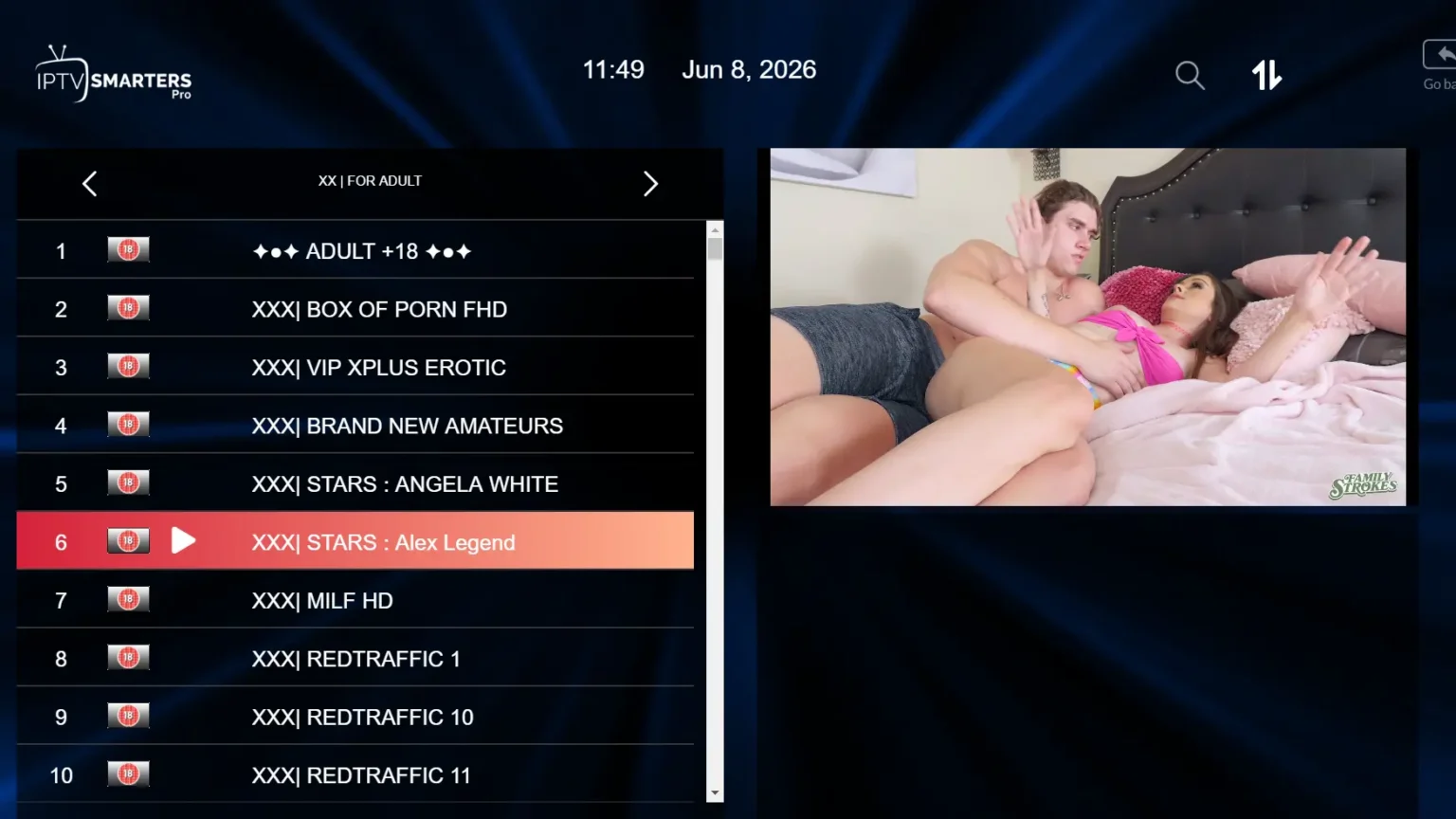
In practice, the category is one section of a normal channel list. You open the same player app you already use for sports, movies and live TV, and the 18+ category sits inside it — same login, same server, same devices. Some providers instead sell adult content as a completely separate product with its own credentials and its own invoice. MOM IPTV does not do that: the category is bundled into the regular subscription, so there is nothing extra to buy and nothing extra to manage.
Why adult IPTV is replacing standalone adult subscriptions
Faster home internet, wider device support and demand for privacy have pushed viewers away from cable-style adult packages and toward IPTV bundles instead.
Greater privacy
No separate adult line item on a cable bill — billing runs through the same channel as the rest of your plan.
One large library, not a small add-on
A full 18+ category alongside thousands of movies, series and live channels, instead of a narrow standalone catalog.
HD and 4K where the source supports it
Streamed over the internet rather than a fixed broadcast signal, so quality scales with your connection.
Works on the devices you own
Firestick, Android, smart TVs, phones and PCs — no dedicated adult-only hardware or app.
Affordable, bundled pricing
No separate monthly charge for the category — it is part of the plan you are already comparing against other IPTV providers.
Instant activation
No technician visit or hardware install — credentials arrive shortly after payment is confirmed.
Key features to look for in an adult IPTV provider
Channel count alone does not make a good adult IPTV service. Whether you are comparing MOM IPTV against another provider or deciding whether IPTV is right for you at all, these are the features that actually matter:
- Bundled vs. separate charge. A provider that sells adult content as its own add-on is a different pricing model than one that includes it in the base plan.
- Streaming quality. HD as a baseline, with Full HD or 4K available on supported channels and a stable connection.
- Device compatibility. The category should load in a standard player app on Firestick, Android, smart TVs, iOS and PC — not a separate proprietary app.
- Discreet billing. Ask before you pay, since this depends on the payment method rather than a provider's marketing copy.
- Reliable uptime. Fast channel loading and minimal buffering during peak hours matter more than an inflated channel count.
- Support that answers directly. A provider willing to talk about its own 18+ lineup honestly is a reasonable signal about how it handles other problems later.
MOM IPTV vs. a standalone adult IPTV subscription
The real comparison in 2026 isn't one adult IPTV brand against another — it's whether you want the category bundled into a full plan or sold to you on its own.
| MOM IPTV (bundled) | Typical standalone adult IPTV | |
|---|---|---|
| Extra monthly cost for 18+ content | None — included | Separate subscription fee |
| Login / app | Same app, same credentials as the rest of your plan | Separate app or portal login |
| Content outside the 18+ category | Full live TV, sports, movies and series lineup | Usually adult content only |
| Device support | Firestick, Android, smart TVs, iOS, Windows/Mac | Varies by provider |
| Billing statement | One plan, one charge | A second, separate charge to track |
Which devices does this work on?
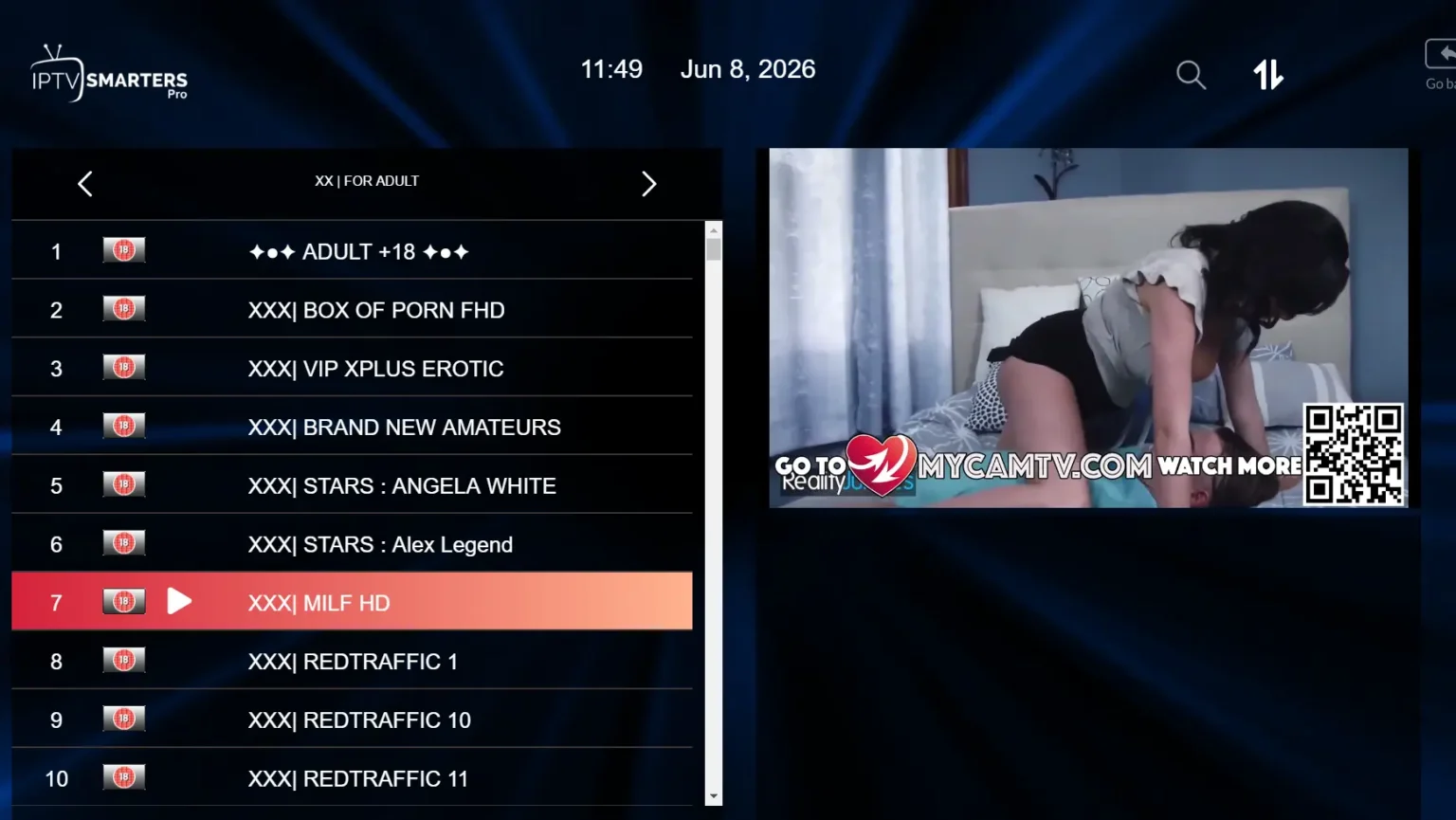
The 18+ category works on any device that runs the standard IPTV player apps MOM IPTV already supports — Amazon Firestick, Samsung and LG smart TVs, Android, Apple TV, iPhone, iPad, Windows and Mac. There is no separate app to sideload and no device restriction beyond what your plan already covers.
If your player app supports parental locks or category hiding, that setting is part of the app itself rather than something MOM IPTV controls — check your specific app if you share a device and want that option. The app guide covers which player to use on each platform.
How to choose the right adult IPTV setup for your needs
- Define what you actually want. Adult-only vs. a full IPTV plan with an 18+ category included, live channels vs. on-demand library, general vs. specific content categories.
- Check your connection. A stable connection of around 25 Mbps is a reasonable baseline for smooth 4K playback where a channel supports it.
- Confirm device support before you pay. Make sure your specific Firestick, smart TV model or phone is covered.
- Compare the full plan, not just the category. A bundled 18+ category inside a plan you already want is usually better value than paying twice.
- Test support before committing long-term. Message with a pre-sale question and see how directly it gets answered.
Privacy and safety on any streaming service
A few habits apply to any IPTV subscription, adult content or otherwise: keep your login credentials to yourself, install player apps only from an official app store or the developer's own site, and keep the app updated. None of these are specific to the 18+ category, they are just good practice for streaming in general.
Some viewers add a VPN for general privacy on top of any streaming subscription. That is a personal choice rather than something MOM IPTV requires, and organizations such as the Electronic Frontier Foundation publish independent, provider-neutral guidance on evaluating privacy tools if you want to look into it further. A VPN improves privacy, but it does not change what content is legal to stream in your location — always check local regulations.
Questions about the 18+ category
Does MOM IPTV include adult channels?
Yes. The 18+ category sits alongside the standard live TV, sports and movie lineup rather than as a separate product, so it is included on every plan at no extra cost.
Is the 18+ category included in every plan, or is it an add-on?
It is part of the same subscription. There is no separate adult tier and no extra line item on your plan — the category is simply part of the channel lineup once your account is active.
Will anything about this show up on a bank or card statement?
Billing runs through the payment method arranged over WhatsApp, Telegram or email, the same as any other MOM IPTV plan, and is not itemized by channel category. We do not control how a given payment processor labels a transaction, so ask us about the specific payment option before you pay if this matters to you.
Do I need a separate app or login for the 18+ channels?
No. They load in the same IPTV player app, using the same credentials, alongside the rest of your channel list.
Can I hide or disable the adult category on a shared device?
Category visibility depends on your player app rather than on us — some IPTV apps support parental locks or hidden categories, and some do not. Check your specific app’s settings, and message us if you want help finding that option.
Do I need a VPN to watch the adult category?
A VPN is not required for anything on MOM IPTV to work. Some people use one for general privacy reasons on any streaming service, adult or otherwise, which is a personal choice rather than a requirement of ours.
How is this different from a standalone adult IPTV subscription?
A dedicated adult-only provider sells the 18+ category as its entire product, usually on its own login and its own bill. MOM IPTV instead bundles the category into a full IPTV plan you are likely subscribing to anyway, so you are not paying twice or juggling two accounts.
What devices does the 18+ category work on?
Any device your MOM IPTV plan already supports: Amazon Firestick, Android TV boxes, Samsung and LG smart TVs, Android and iOS phones and tablets, and Windows or Mac computers, all through the same player app.
Ready to get started?
Message us and we will confirm your plan and activate your account. The 18+ category loads automatically alongside the rest of your lineup — nothing extra to set up.