
Setting Up IPTV as a Holiday Gift Surprise for the Family
An IPTV gift lands best when the surprise is the subscription itself, not the half-finished setup the family stumbles across a week early.
Practical guides written by the same people who answer support messages — covering the problems we actually get asked about.
Start with the basics or jump straight to a fix. Each guide links to the related ones where they genuinely help.
An IPTV gift lands best when the surprise is the subscription itself, not the half-finished setup the family stumbles across a week early.
A multigenerational household has three different relationships with the remote under one roof, and the setup works best when it plans for all three separately.
A budget-friendly IPTV bundle is less about finding the cheapest plan and more about not paying for connections and channels the household never actually uses.
IPTV service usually transfers to a new address with almost no fuss, as long as you check the new network before moving day rather than after.
IPTV can work well on a road trip, but it depends entirely on planning the hotspot and data situation before leaving, not while a bored back seat is already asking.
Teaching a child the remote is less about memorising buttons and more about showing them exactly where they're allowed to go and where they're not.
IPTV can add real value to a homeschooling day as supplementary material, as long as it supports the lesson plan rather than quietly replacing it.
The jump from a family of four to a family of six is not just two more people — it is a different pattern of simultaneous viewing that the plan needs to actually cover.
A parental PIN only works as long as it stays a secret and stays set, which is exactly where most households quietly let it slip.
Summer break removes the natural structure a school day gives IPTV viewing, so the household needs a replacement structure rather than no structure at all.
IPTV works best for a single parent on a tight schedule when it is set up to need no supervision at all, not when it depends on someone being free at the right moment.
Setting up a new family TV in the right order — network first, then the account, then everyone's favourites — saves having to redo steps later.
Dividing screen time fairly between siblings usually comes down to a simple rule applied consistently, not a complicated tracking system nobody keeps up with.
A sick day at home works best with a viewing setup that takes no effort to start, since neither the child nor the parent has the energy for anything complicated that day.
A remote with fewer buttons and bigger labels usually serves an elderly parent better than one with more features they will never use.
The setup work for a smooth family movie night happens before anyone sits down, not while a room full of people are already waiting.
An IPTV subscription makes a genuinely useful gift for a family, provided you check their devices and household size before choosing a plan on their behalf.
Daytime viewing for a stay-at-home parent works best when it is built around short, interruptible windows, not a full episode you need to finish uninterrupted.
Most IPTV players do not have a built-in multi-profile system, but separate devices or separate favourites lists get you most of the same benefit.
The channels that hold a child's attention at four in the afternoon are often the wrong choice an hour before bed, and the difference is mostly about energy level, not content rating.
The right kind of morning background TV supports a family's routine, but the wrong kind becomes the thing everyone is late because of.
Cooking and lifestyle channels get more daily use in a lot of households than anything in prime time, simply because they work well as background viewing.
Some sporting events naturally bring a whole family to one screen; the trick is planning around the ones that do rather than assuming every game will.
The early evening buffering so many parents report is usually a neighbourhood peak-hour pattern, not a fault with the subscription itself.
A busy family house needs a network set up for sustained, simultaneous use, not just the single fastest speed number on the router box.
IPTV on the road depends far more on the Wi-Fi you connect to than anything in the app itself, so the preparation that matters happens before you leave home.
An old hand-me-down tablet can run IPTV perfectly well for a child's bedroom screen, provided a few software basics are sorted out first.
IPTV and on-demand apps solve different problems for a family household — the honest comparison is about which gaps each one fills, not which is simply better.
IPTV rarely gets added on top of an untouched budget — it usually replaces something, and the fair comparison accounts for what comes off the bill at the same time.
A holiday gathering is the one time a household's IPTV connection count gets genuinely tested, so it is worth checking before the relatives arrive, not during.
The easiest way to make an IPTV routine stick during the school year is to tie it to fixed times of day, not to a vague daily allowance.
The single biggest improvement for a grandparent's IPTV setup is reducing how many apps and remotes they need to touch, not finding a simpler remote.
Running IPTV in three rooms at once is mostly a connections-and-network question, not a separate subscription for each room.
IPTV apps do not track or cap viewing time themselves, so screen-time limits need to live on the device the app runs on, not inside the app.
A short, curated favourites list does more for a child's independence on IPTV than any parental lock does on its own.
IPTV parental controls work at the category and channel level through a PIN, not through a single master child-safety switch — knowing that difference is what makes them actually useful.
Overlap your old and new subscriptions by a few days rather than cancelling first and subscribing second, so you are never without service while you test.
A reseller program lets you sell IPTV subscriptions under your own brand using wholesale credits, with no franchise fee and no monthly minimum.
A handful of router settings genuinely reduce buffering. Most of what gets suggested in forums is not among them.
International channels sit alongside the English-language lineup on the same subscription, which is one of the clearer advantages IPTV has over traditional cable.
PPV and live-event coverage depends on the source feeds available on the day, which is why asking in advance beats assuming from a category name.
IPTV the technology is no different legally from the streaming services you already use. What varies between providers is the licensing of the content they carry.
An M3U URL is a single link containing your entire channel list — treat it like a password, not a web address to visit in a browser.
A stable 25 Mbps connection comfortably handles 4K, but a faster connection that fluctuates will buffer more than a slower, steady one.
A connection limits how many screens can stream at once, not how many devices you can install the app on — mixing those up causes most multi-device login errors.
Samsung and LG smart TVs can run IPTV without any extra hardware, provided you install the player from the right store.
Apple's App Store is the only installation route on Apple TV and iOS, which actually makes setup simpler than on Android, not harder.
Android TV has the widest player choice of any platform, which makes picking the right one the main decision rather than the installation itself.
A smart TV needs no extra hardware, but a separate streaming box outperforms it on almost every other axis.
A missing or wrong programme guide is almost always a loading, timezone or cache issue rather than a broken account.
A VPN is not required for IPTV, and in practice it is more often the cause of a problem than the fix for one.
Xtream Codes and M3U deliver the same subscription in two different formats, and picking the wrong one for your player app is the most common setup mistake.
A handful of Firestick settings measurably improve IPTV playback. Most of what gets recommended online is not among them.

Inflated channel counts and lifetime subscriptions are the two clearest signals that a provider will not last.
Your device matters more than your subscription for playback quality. Here is how the main options compare.
The Firestick is the most popular IPTV device there is. Here is the full setup, including the settings that trip people up.
Most buffering is fixable in under ten minutes once you know which of four things is actually causing it.
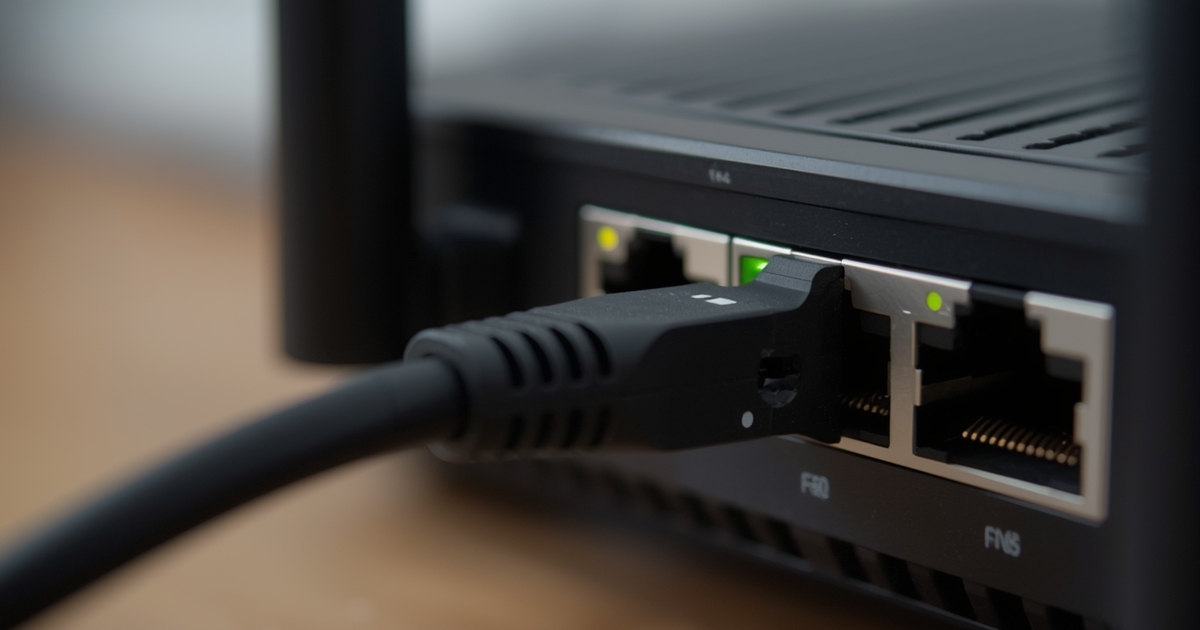
IPTV delivers television over your internet connection instead of a satellite dish or cable line. Here is what that means in practice.
Message us. If enough people ask the same thing, it usually becomes the next guide.